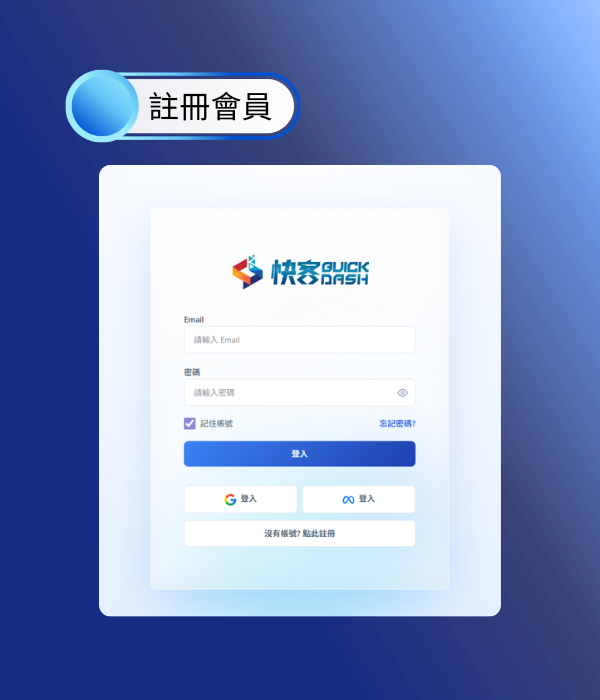
1. Register an Account
Always free to connect
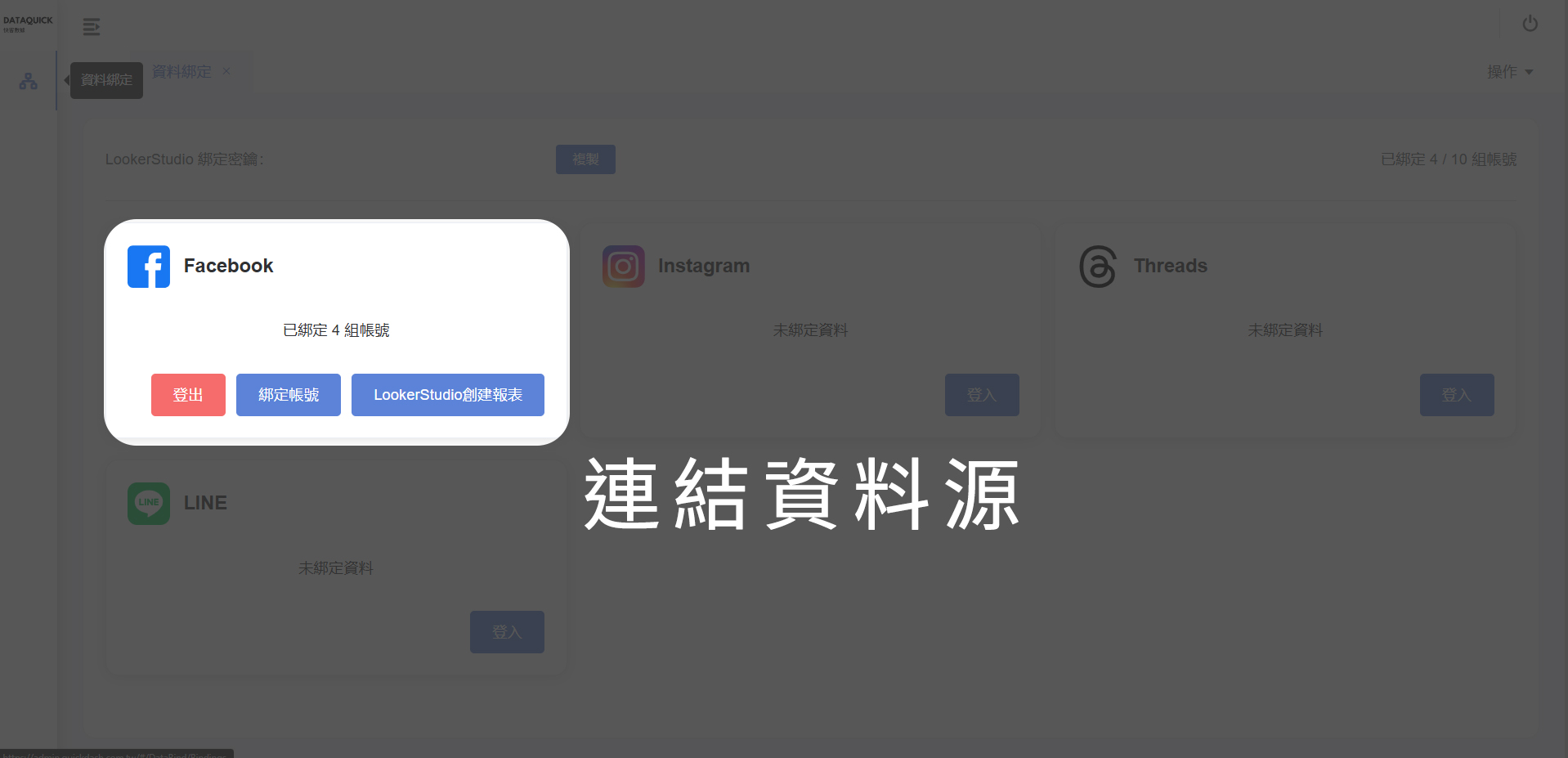
2. Connect Data Source
Go to the data binding page
and connect your data source.
3. Install Add-on

4. Open Spreadsheet
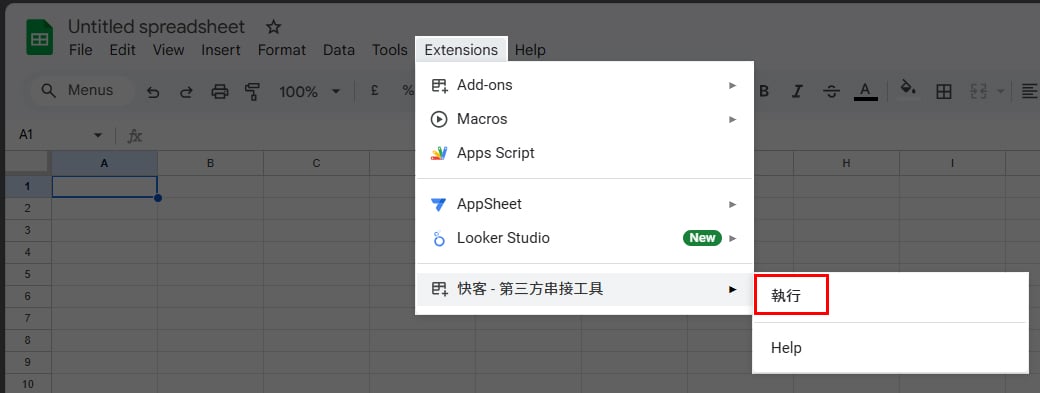
Open Google Sheets.
Select Extensions and find QuickDash.
Then click Run.
5. Choose Function
Choose META Ads.
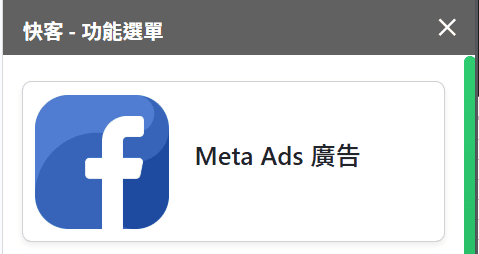
6. Configure Ad Data
Choose account, metrics, date range, attribution, etc.
Click Generate Report. Done!
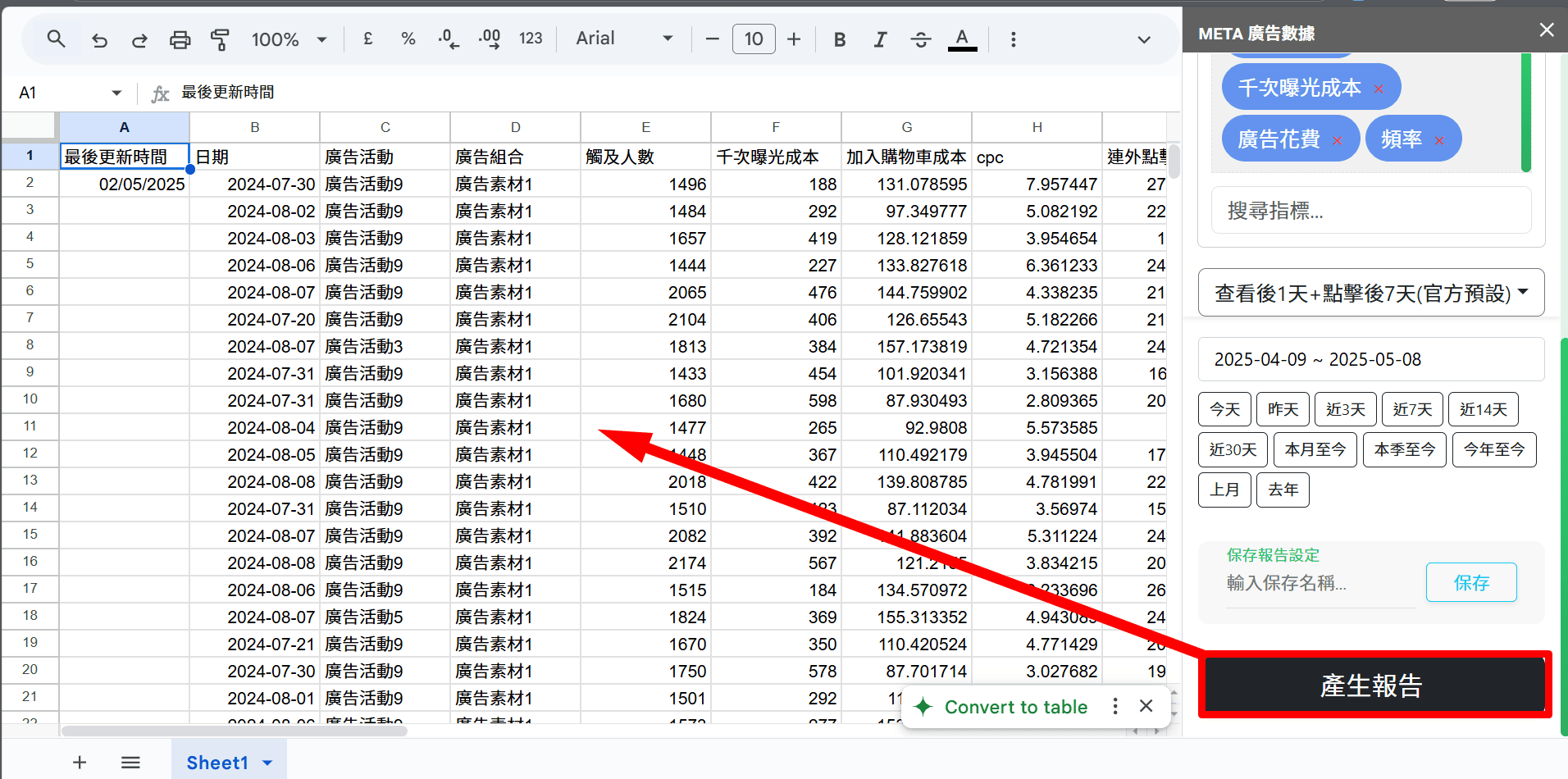
Extra Features
After this tutorial, you are ready to import data!
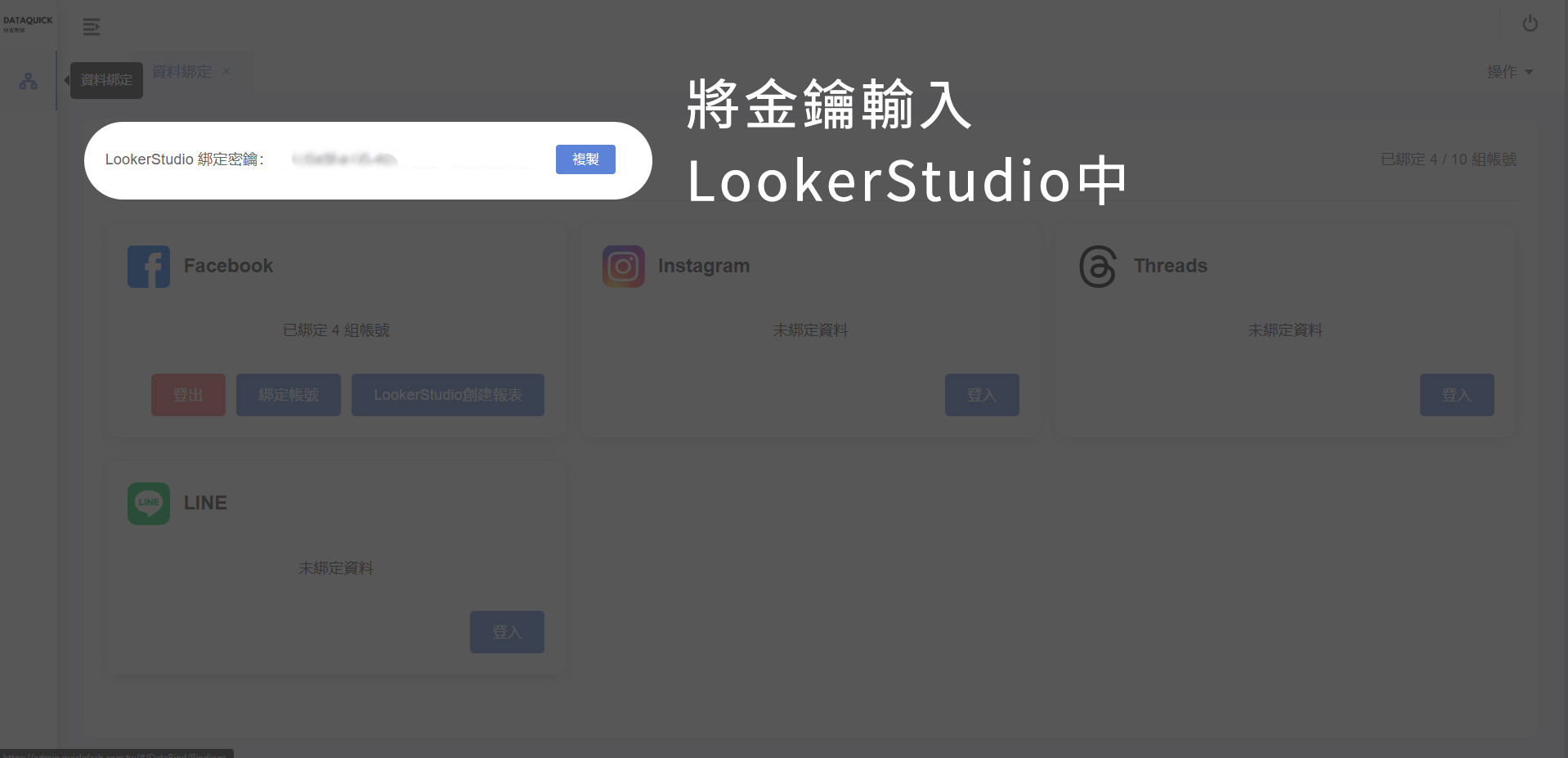
Binding Key
This key is critical for verification.
Do not share it with untrusted users.
QuickDash follows META policies. We cannot modify or view detailed account data.
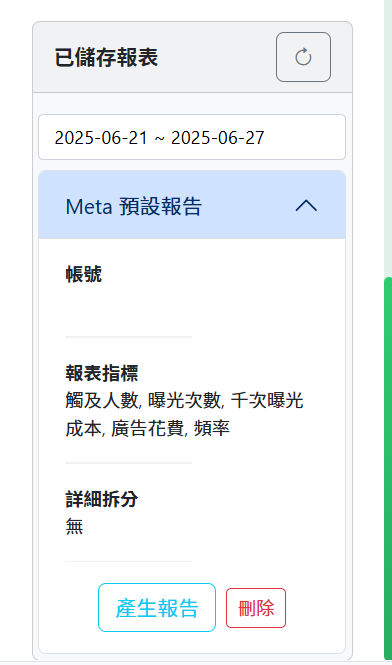
Saved Reports
Save report presets for faster access to previous account and metric settings.
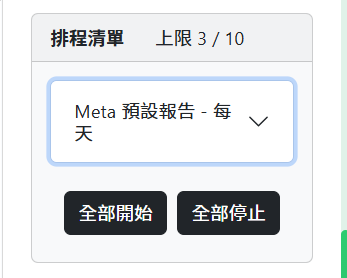
Automation Schedule
Supports automatic updates with Overwrite or Append mode.
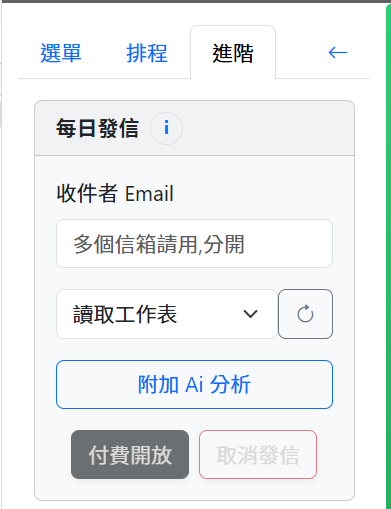
Automated Email
Convert reports in Sheets to PDF and send them to target email addresses.