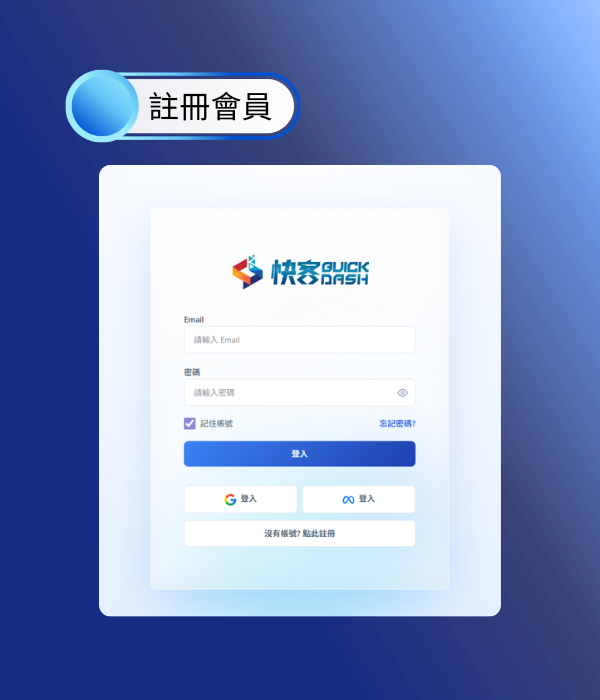
1. Register an Account
Always free to register
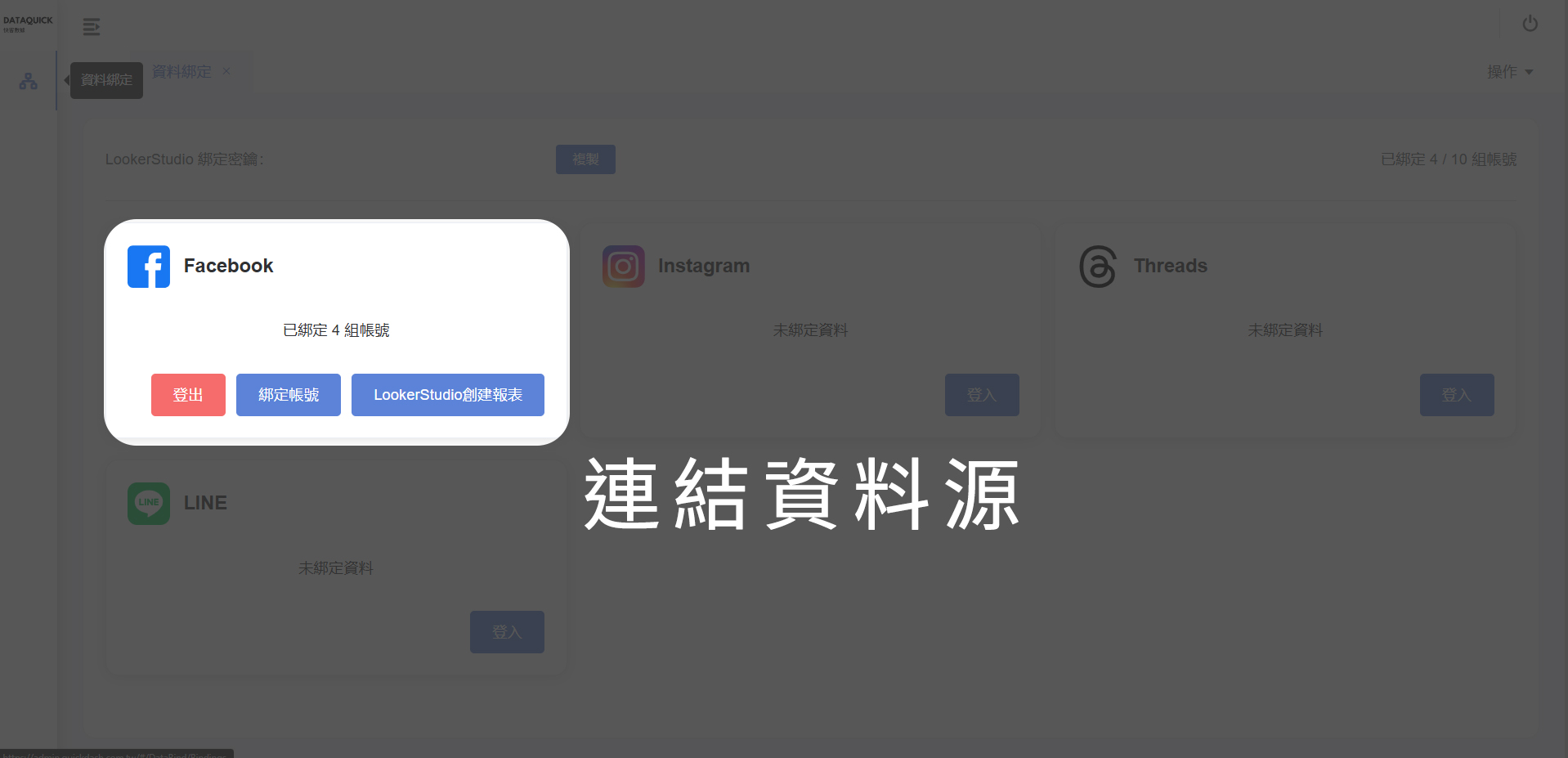
2. Connect Data Source
Go to the data binding page
and connect your data source.
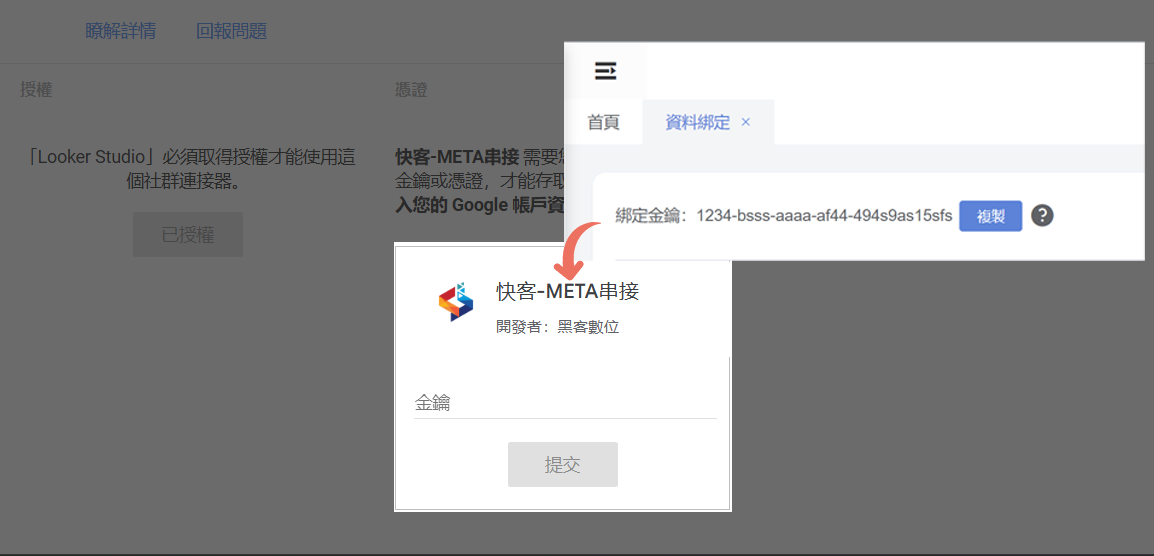
3. Open Data Studio
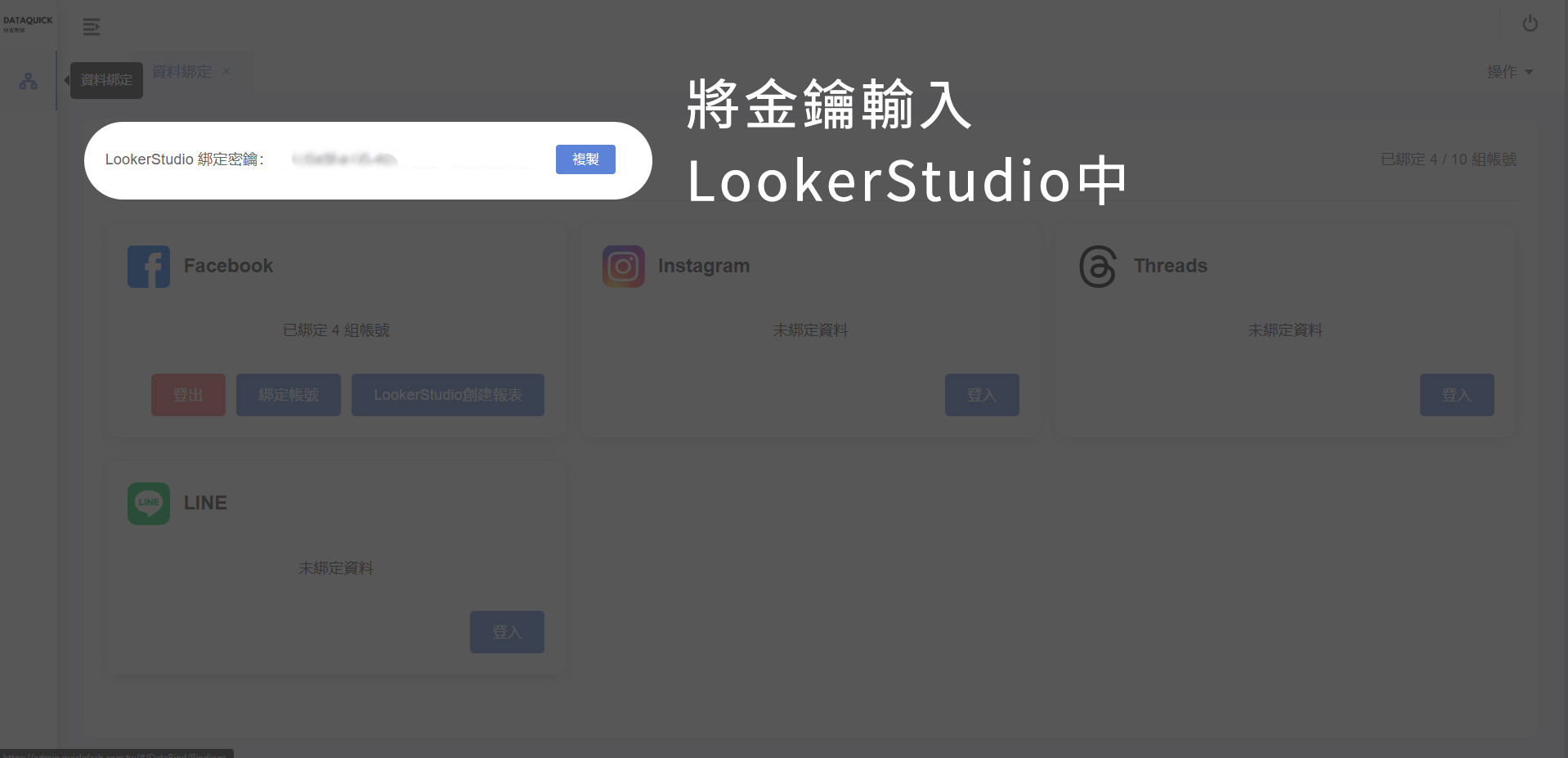
Copy the secret key from QuickDash
and paste it into Data Studio for verification.
4. Done!
Start integrating data and account sources.
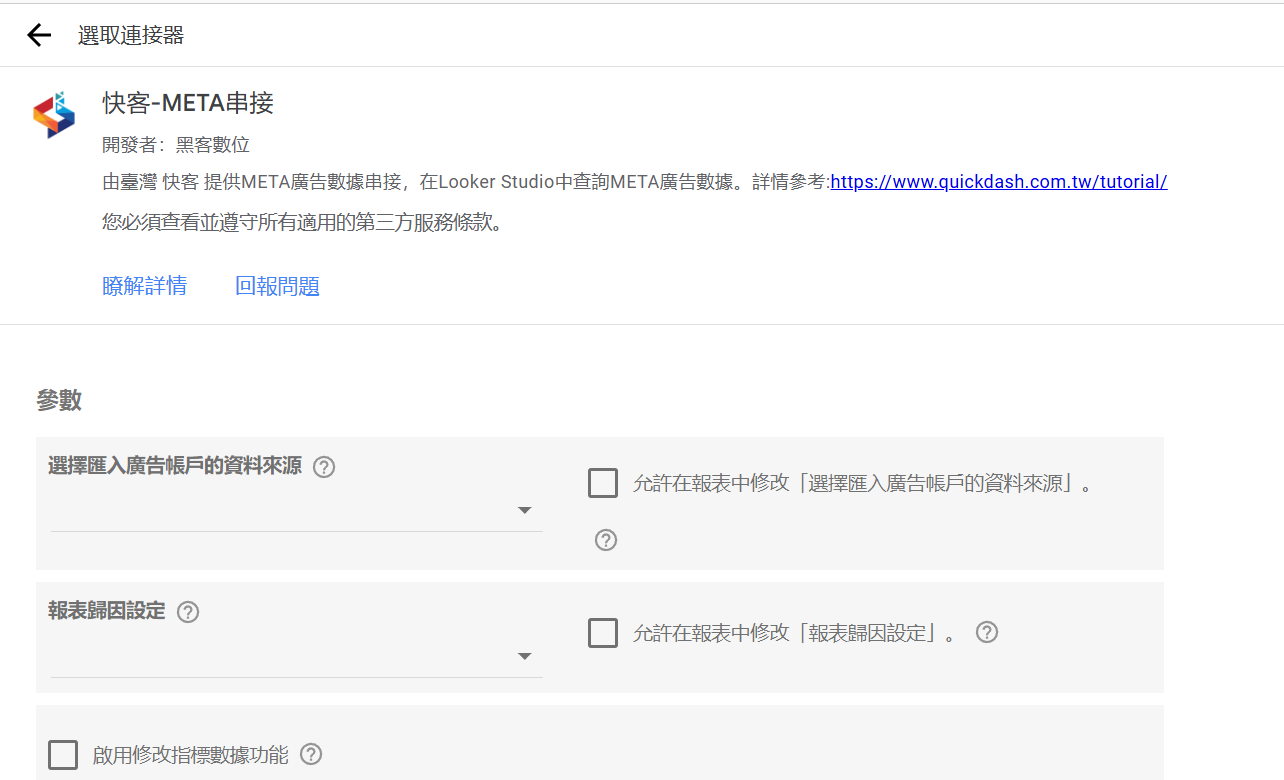
More Information
After this tutorial, you are ready to import data!
Binding Key
This key is critical for verification.
Do not share it with untrusted users.
QuickDash follows META policies. We cannot modify or view detailed account data.
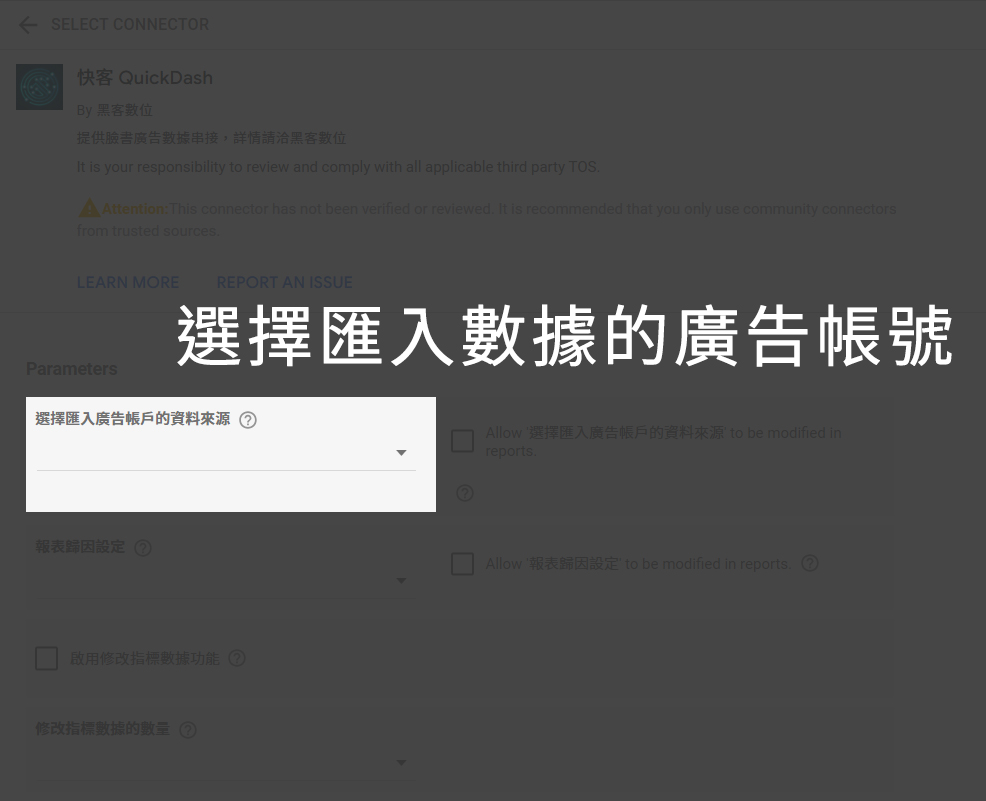
Setup Tip 1
Pick any bound ad account.
Data Studio will display data for that account.
(Displayed account is synced with your bound QuickDash account)
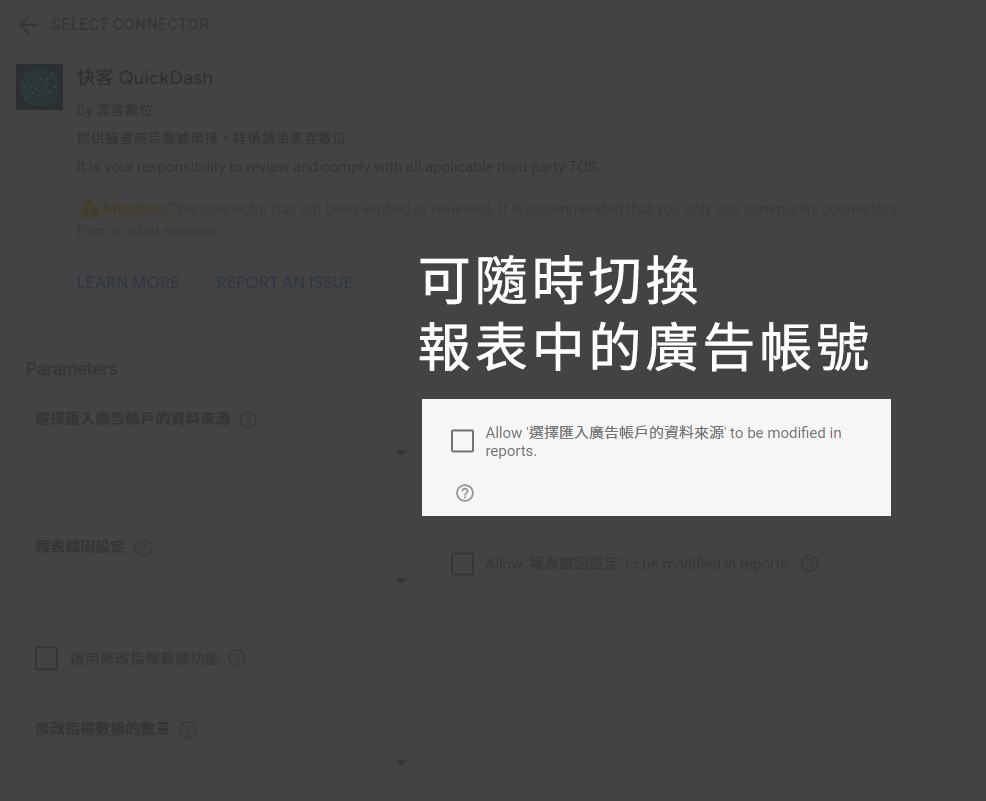
Setup Tip 2
After checking this option,
you can switch connected accounts in Data Studio.
Setup Tip 3
You can switch attribution settings for META ad data.
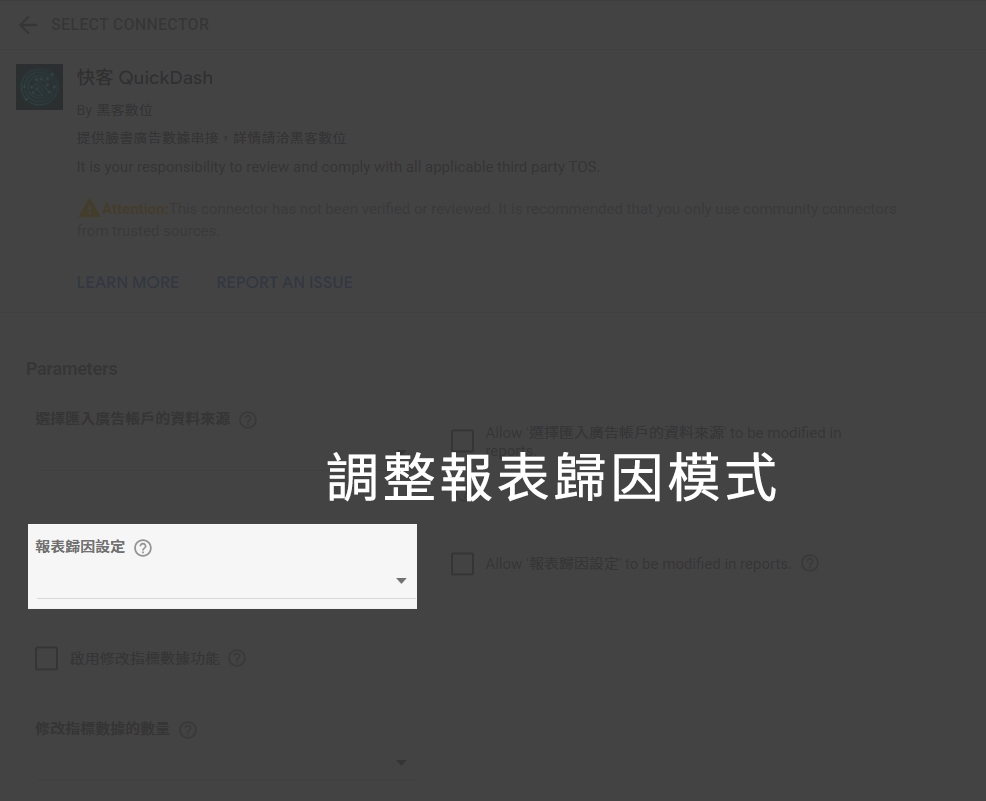
Setup Tip 4
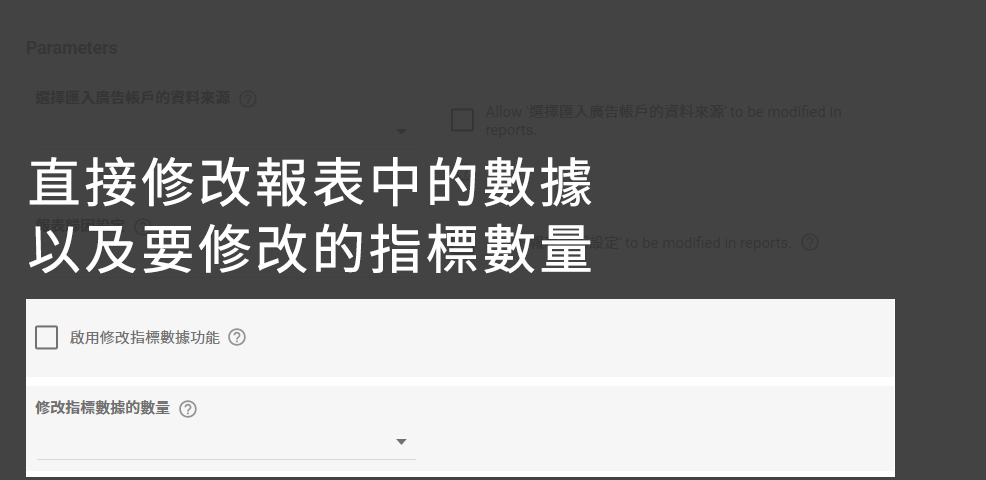
You can directly edit META ad metrics.
(CPC, purchase amount, ROAS, etc.)