Automatically send data to third-party platforms.
Supports Google Sheets, Data Studio, and Chrome Extension.
 Google Sheets
 Data Studio
Supported Queries
Post Image
Post Link
Account Performance
Reels Performance
Instagram Insights Integration
A high-efficiency reporting helper for building diverse dashboards.
Automated Reports
Reports update automatically on schedule.
Quick Data Cleanup
Transform raw data into readable reports.
Multiple Channels
Supports Google Sheets, Chrome Extension, and Data Studio.
4 Steps to Connect Instagram Insights
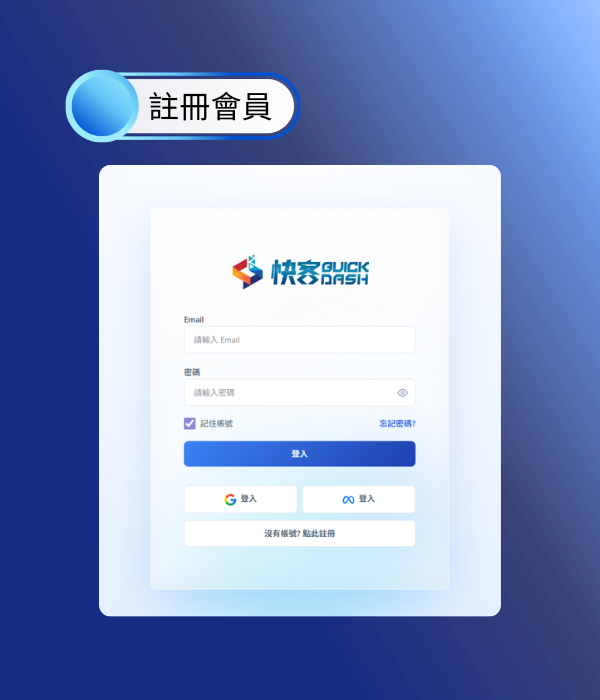
1. Register an Account
Create your account. QuickDash offers a permanent free trial.
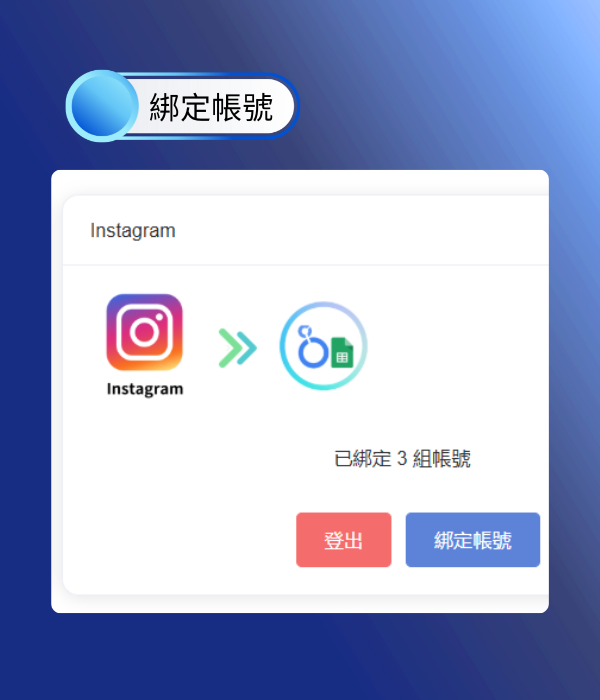
2. Bind Account
Bind the IG account you want to connect.
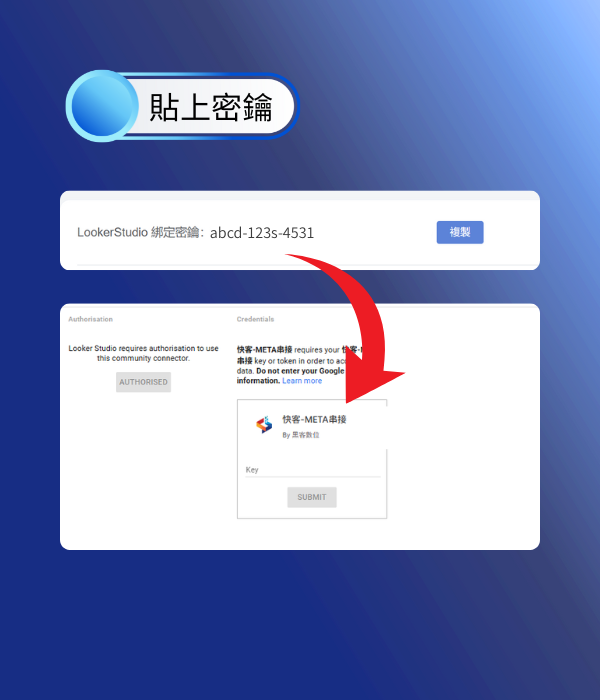
3. Paste Secret Key
Paste the key to your target destination (Google Sheets / Data Studio).
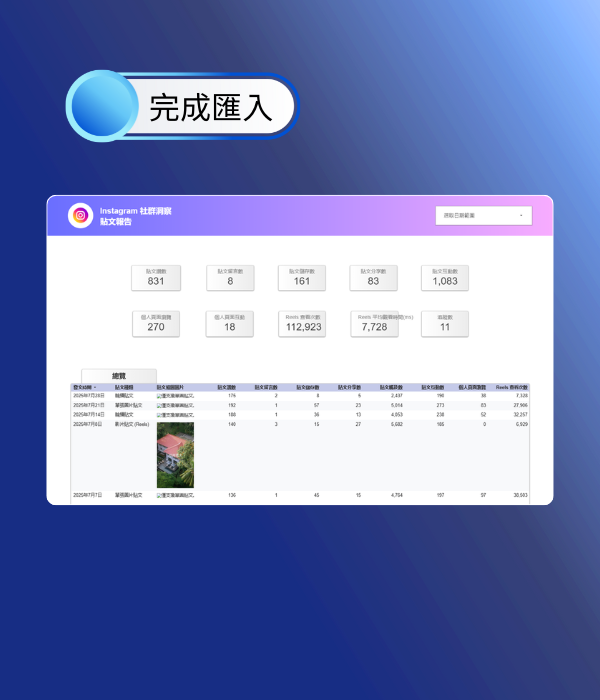
4. Complete Import
You are ready to import data and build reports.
Notes
To connect Instagram social data, please ensure the following setup is complete:
- IG must be connected to a Facebook Page
- Facebook Page must be connected to Business Manager (BM)
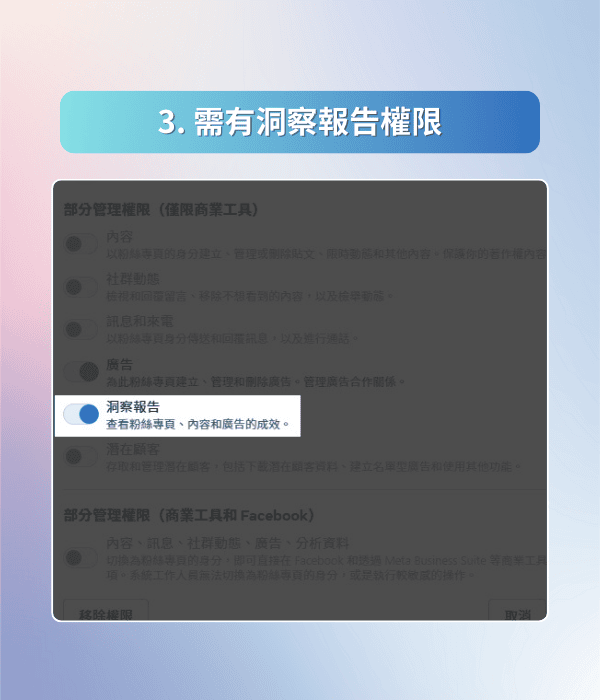
- You need Insights permission for that Facebook Page
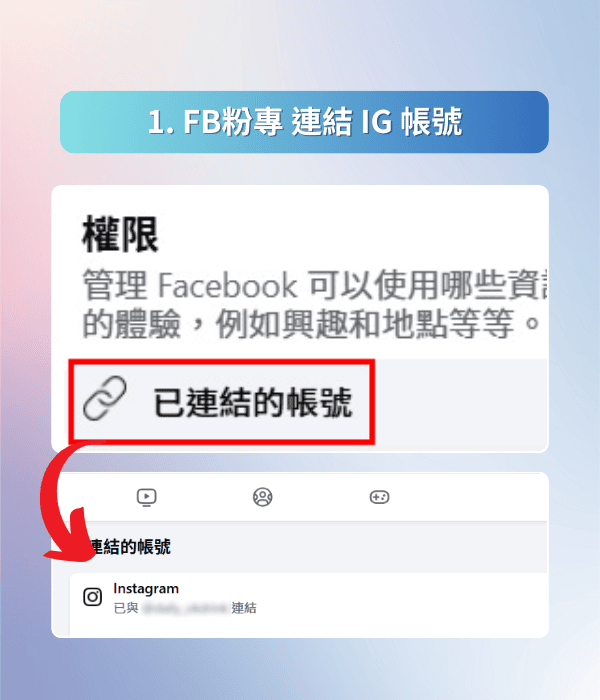

1. IG must be connected to a Facebook Page